
Step 1: Sign Up
Create your account on the HTS portal.
Create your account on the HTS portal.
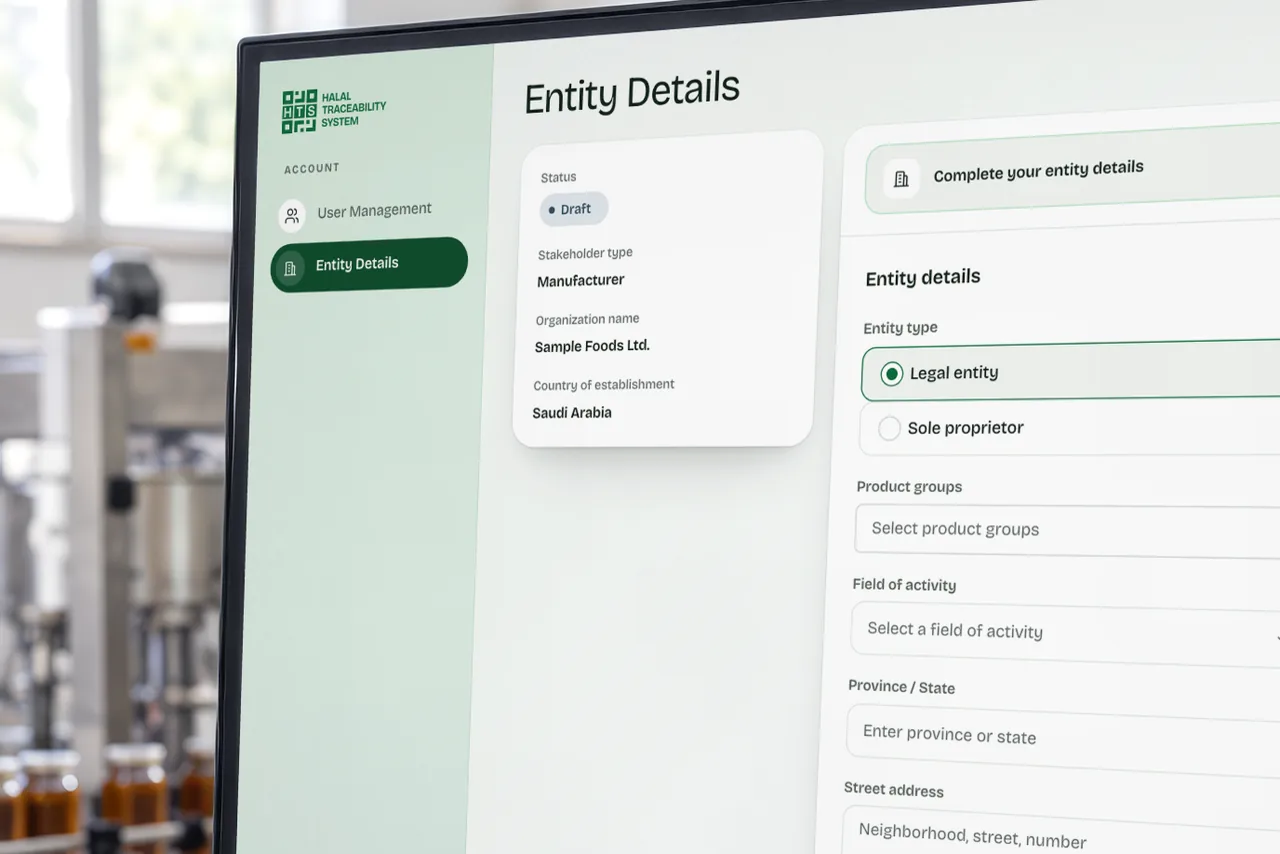
Enter detailed information about your organization.

HTS reviews the application and sends an approval email.
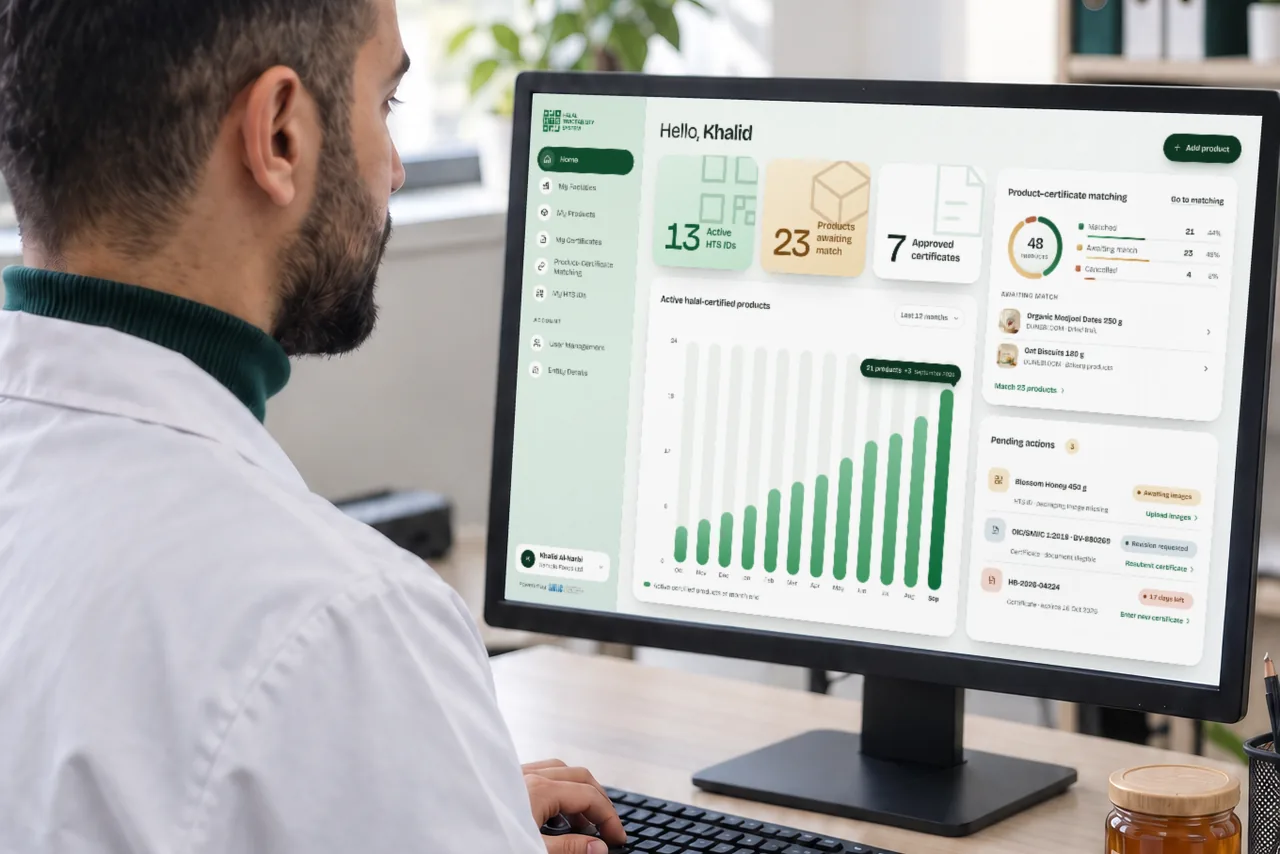
Your organization becomes an HTS member.
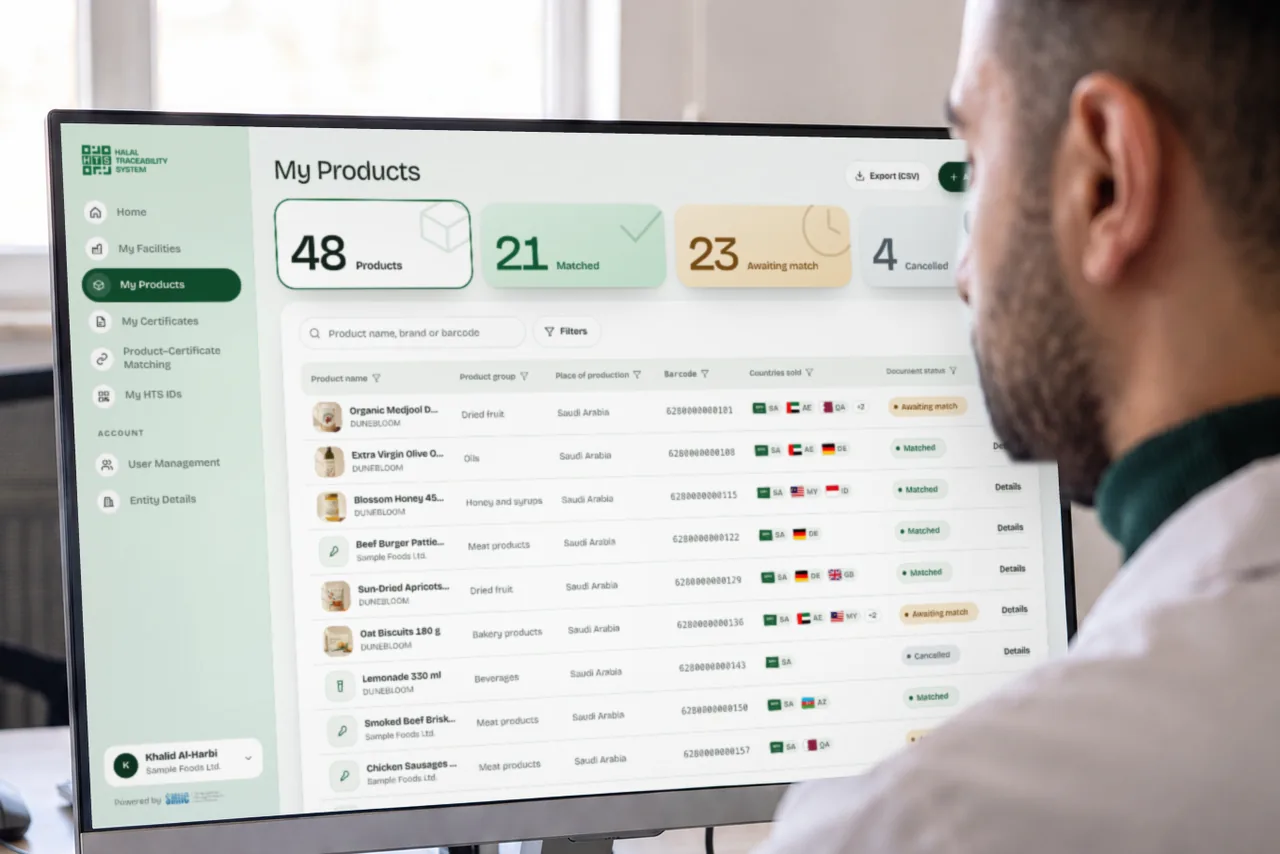
Carry out halal product and certification operations on HTS.
Developed by SMIIC in accordance with OIC/SMIIC standards, HTS enables the linking, verification and traceability of product, business and certificate information for Halal Accreditation Bodies, Halal Certification Bodies, manufacturers, trade stakeholders and consumers. It establishes a transparent, reliable and queryable chain of trust between all stakeholders.